Introduction
Technology continues to blur the line between convenience and automation. Apple’s ecosystem has always been about seamless communication, and now a new plugin takes that promise further. The Apple Messages plugin powered by ChatGPT allows users to send texts directly through AI assistance. This integration is not just a novelty—it represents a shift in how people interact with messaging platforms, productivity tools, and artificial intelligence.
What Is the Apple Messages ChatGPT Plugin?
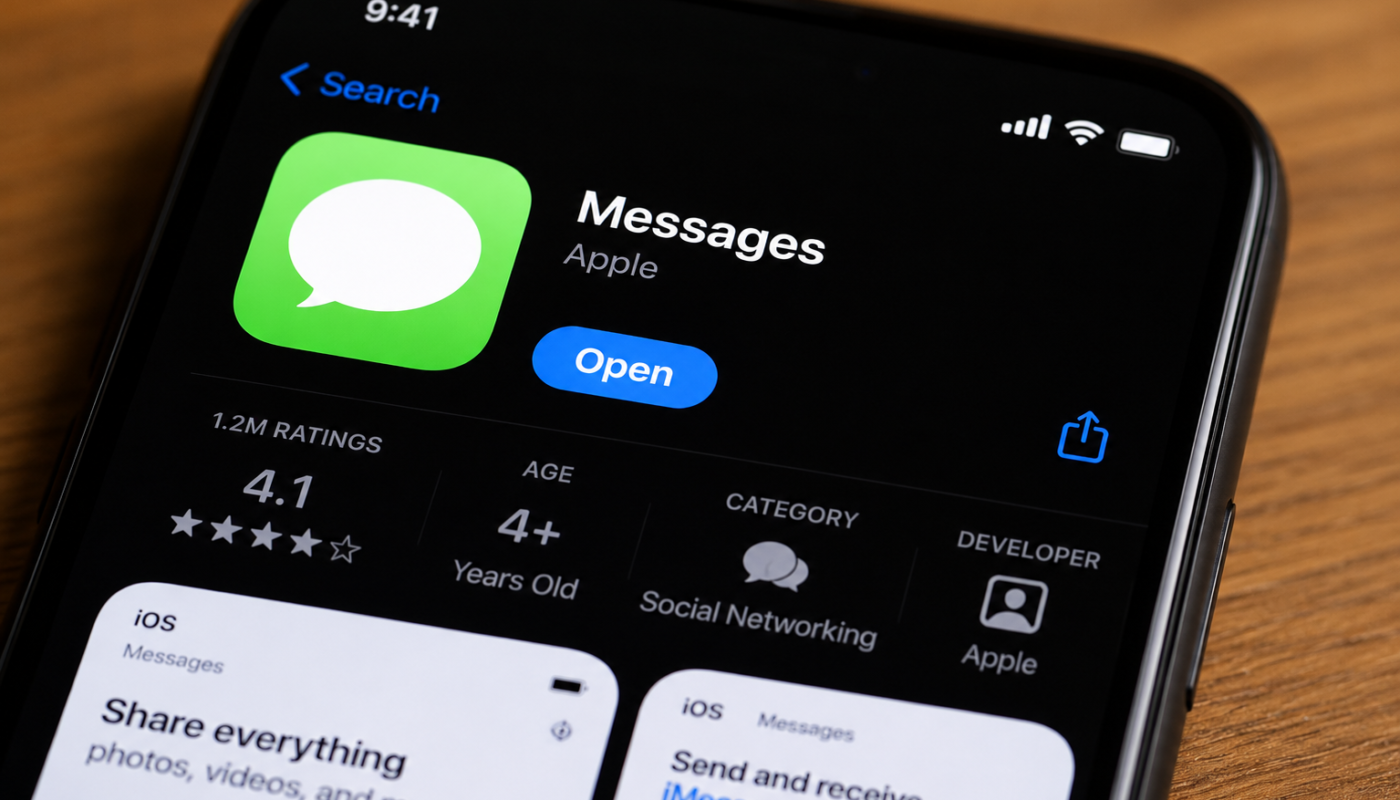
The plugin is designed to connect Apple Messages with ChatGPT, enabling users to draft, edit, and send text messages without lifting a finger. Instead of typing out responses, you can ask ChatGPT to handle the conversation for you.
Key Features
- Hands‑free messaging: Dictate or request a message, and ChatGPT sends it instantly.
- Smart replies: AI generates context‑aware responses that feel natural.
- Personalization: The plugin adapts to your tone and style over time.
- Integration with Apple’s ecosystem: Works smoothly across iPhone, iPad, and Mac.
Why This Matters for Everyday Users
Messaging is one of the most frequent digital activities. By combining Apple Messages with open ai’s ChatGPT, users gain a tool that saves time and reduces friction. Imagine being stuck in traffic and needing to reply to a client, or juggling multiple conversations while working—AI can step in to keep communication flowing.
Benefits
- Productivity boost: Less time typing, more time focusing on tasks.
- Accessibility: Helps users with physical limitations communicate more easily.
- Consistency: Ensures professional tone in business conversations.
The Human Touch in AI Messaging
One concern with AI‑generated texts is whether they feel robotic. The plugin addresses this by emphasizing human‑like phrasing. ChatGPT has been trained to mimic conversational nuance, humor, and empathy. This means your messages won’t sound like they came from a machine—they’ll sound like you.
Example Use Cases
- Personal: Sending birthday wishes or casual updates.
- Professional: Drafting quick client updates or polite reminders.
- Creative: Generating witty replies or thoughtful notes.
Open AI’s Role in Shaping Communication
The backbone of this plugin is open ai’s ChatGPT, which has already transformed industries from customer service to content creation. By embedding AI into Apple Messages, OpenAI is extending its reach into daily communication.
Why OpenAI Stands Out
- Advanced language modeling ensures accuracy and fluency.
- Continuous updates improve contextual understanding.
- Ethical focus on safe and responsible AI use.
This collaboration highlights how OpenAI’s technology is becoming a trusted layer in mainstream consumer tools.
Potential Limitations
While exciting, the plugin isn’t perfect.
- Privacy concerns: Users may wonder how their data is handled.
- Over‑reliance on AI: Automated replies could reduce authenticity if not monitored.
- Learning curve: Some users may need time to adjust to AI‑assisted messaging.
The Future of AI in Messaging
This plugin is just the beginning. As AI becomes more integrated, we can expect smarter scheduling, predictive communication, and even emotional recognition in texts. Apple and OpenAI are setting the stage for a world where messaging is not just faster, but more intelligent.
Conclusion
The Apple Messages plugin with ChatGPT is more than a convenience—it’s a glimpse into the future of communication. By merging Apple’s intuitive ecosystem with open ai’s powerful language model, users gain a tool that balances efficiency with a human touch. Whether for personal chats or professional updates, this integration shows how AI can enhance—not replace—the way we connect.