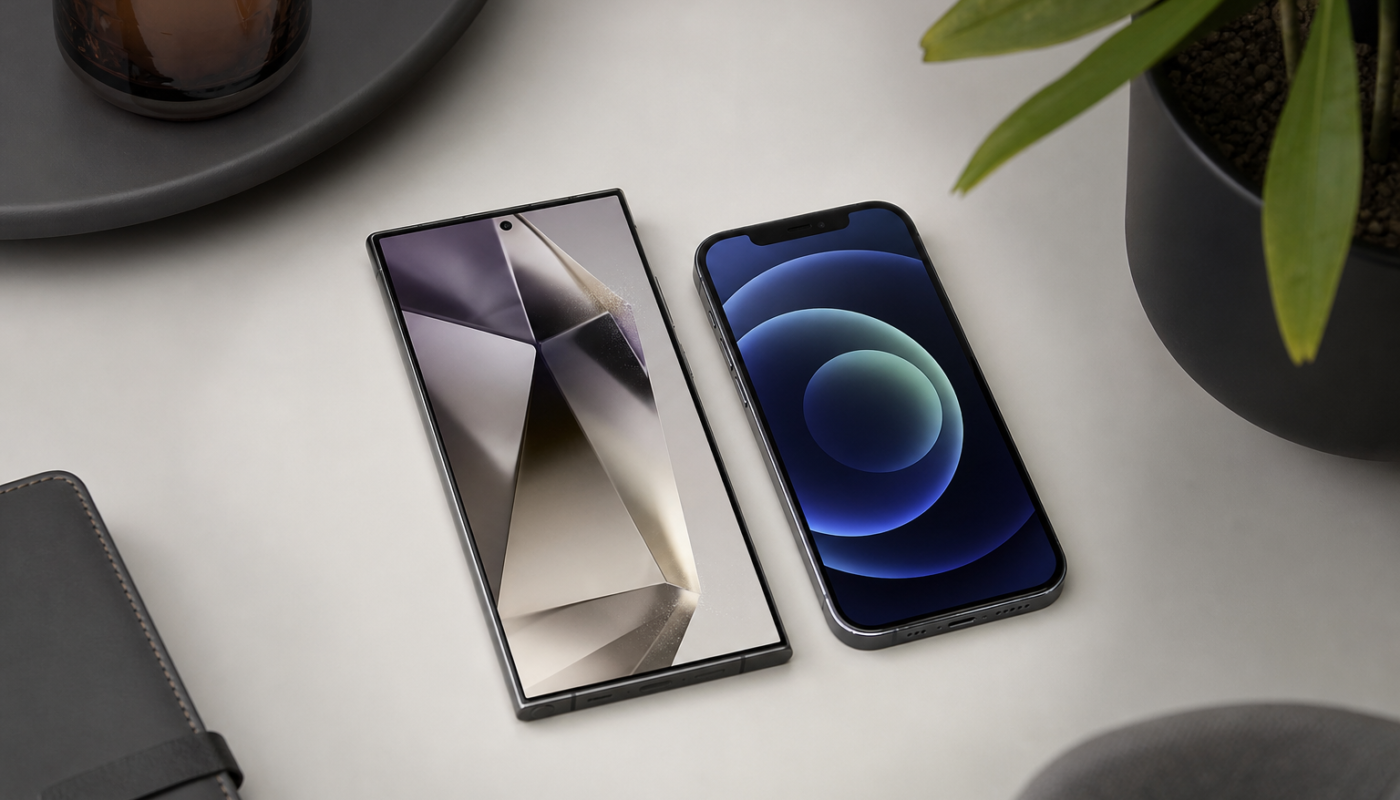
Choosing between android vs ios is not simply a question of which phone has the best camera or fastest chip. The better choice depends on how much you value customisation, privacy, long-term software support, device integration, price and ease of use. Android gives you a wider range of phones and more freedom, while iOS offers a tightly controlled experience designed around Apple hardware.
This guide compares the two major mobile operating systems in practical terms, helping you decide whether an Android phone or an iPhone suits your everyday needs. Because manufacturers and features change over time, check the latest specifications, update policies and local availability before buying.
Android vs iOS: The key differences
Android is used by many manufacturers, including Samsung, Google, Motorola, Xiaomi and others. That creates plenty of choice, from affordable handsets to premium foldable phones. iOS is developed by Apple and runs exclusively on the iPhone, giving Apple much more control over both the hardware and software experience.
| Area | Android | iOS |
|---|---|---|
| Phone choice | Broad selection of brands, sizes and prices | Smaller range, focused on iPhone models |
| Customisation | More control over launchers, widgets and defaults | More consistent, with growing but controlled customisation |
| Updates | Depends on the manufacturer and model | Typically managed directly by Apple for supported iPhones |
| Integration | Works particularly well with Google and a broad range of devices | Strong integration across Apple products and services |
| File access | Generally more flexible for moving and managing files | More structured and closely managed through Apple’s apps and services |
Choice, price and hardware
Android is usually the stronger option if you want to compare many phone designs and budgets. You can choose a compact device, a large-screen model, a gaming phone, a foldable or a handset with a large battery. Lower-cost Android phones can also offer useful features without requiring a premium purchase, although performance, cameras, update support and build quality vary considerably.
Apple’s range is simpler to understand. iPhones tend to share a consistent design language, and even older supported models may remain useful for years. However, the initial purchase price can be higher than some Android alternatives. When comparing android vs iphone, remember to include storage, accessories, repair costs and the expected period of software support rather than focusing only on the advertised price.
Software updates and security
iOS updates are distributed by Apple to compatible iPhones, which makes the process relatively straightforward. This consistency is valuable for people who want security updates, new features and troubleshooting advice from one primary source.
Android update timing can depend on both Google and the phone manufacturer. Some brands provide strong, clearly stated support commitments, while cheaper or older models may receive fewer updates. Before purchasing, look at the exact model’s security-update policy, not just the brand’s general reputation. Automatic updates should be enabled where practical, and apps should be installed through trusted app stores.
Where Android has an advantage
Android is often the better fit for people who want flexibility. You can usually change the default browser, keyboard and other apps, arrange the home screen in more ways, use widgets extensively and manage files with fewer restrictions. The precise options differ between manufacturers, so a Samsung phone may feel different from a Google Pixel or another Android device.
Android also works well for people who use a wide mix of technology. It can connect with Windows PCs, Chromebooks, smart TVs, wearables and accessories from many brands. USB connectivity and file transfers are often more open, although the experience still depends on the phone and computer involved.
Another advantage is hardware variety. If you prioritise a stylus, expandable storage, a very large battery, dual-SIM support or a foldable design, Android provides more possibilities. Check the Australian version of a phone carefully, because network bands, eSIM support, warranty coverage and included accessories can differ by market.
Where iOS has an advantage
iOS is appealing if you prefer a consistent interface and minimal setup. Apple controls the operating system, the iPhone hardware and many of the services used across the platform. That can make everyday tasks feel predictable, particularly for people who already use a Mac, iPad, Apple Watch or AirPods.
Apple’s ecosystem is one of the clearest reasons to choose an iPhone. Features such as synchronised photos, messages, passwords and other data can be convenient across Apple devices, subject to your settings and subscription choices. If your household or workplace already relies on Apple products, iOS may reduce friction when sharing files, joining calls or moving between devices.
iPhones are also popular with people who want a straightforward camera experience and strong app availability. Developers commonly support iOS carefully because the range of devices is more limited. That does not mean every app is better on iPhone, but it can make quality and compatibility more predictable.
If you are moving to an iPhone, plan the transition before you erase your old handset. For example, our guide to activating an eSIM on iPhone covers setup, transfer and common troubleshooting steps. Keep your old phone available until contacts, photos, messages and authentication apps have been checked.
Privacy, apps and everyday usability
Both platforms offer privacy controls, permission settings and ways to limit tracking, but they approach the issue differently. Apple generally presents privacy as a central product feature and gives users prominent controls within its ecosystem. Android privacy tools can be effective too, but their presentation may vary by manufacturer and software version.
Neither platform automatically makes every app trustworthy. Review permissions, avoid unofficial downloads, use a screen lock and enable multi-factor authentication for important accounts. On Android, be especially cautious when installing apps from outside the standard store. On iOS, remember that an app approved for the App Store can still collect data you may not want to share.
For accessibility, both Android and iOS include tools such as screen readers, magnification, hearing support, voice control and display adjustments. The best experience can depend on the specific feature you need, so test it in a shop or read the manufacturer’s accessibility documentation before buying.
Messaging and file sharing may also influence the decision. If most of your contacts use one platform, staying within that ecosystem can be simpler. On the other hand, services such as cloud storage, email and popular messaging apps can work across both Android and iOS, making the difference less important than it once was.
Android or iPhone: Which should you choose?
- Choose Android if you want more price points, hardware variety, customisation or flexible file management.
- Choose iPhone if you value a consistent interface, long-term integration with Apple devices and a simpler range of choices.
- Consider either platform if camera quality, battery life or performance is your main concern; compare specific models rather than operating systems alone.
- Prioritise support if you keep phones for several years. Check the exact update policy, repair options and warranty terms before purchasing.
There is no permanent winner in the ios vs android debate. A premium Android phone may be a better choice than an entry-level iPhone for one buyer, while an iPhone may be more practical for someone already invested in Apple services. The most useful comparison is between the exact models you can afford and the way you already work.
What to check next
Before making a decision, write down your must-have features: camera style, battery life, screen size, storage, accessibility tools, dual-SIM or eSIM support and compatibility with your computer or smartwatch. Then verify current software-support commitments, Australian network compatibility and trade-in or repair conditions on the manufacturer’s website. If you choose an iPhone, review our iPhone eSIM setup and troubleshooting guide before transferring your number.
Actionable takeaway: Choose Android for flexibility and broader hardware choice; choose iOS for a consistent, closely integrated experience. Compare the specific phone models, not just the operating-system labels.
Reference: For background context, see Android (operating system) on Wikipedia.